
Ever tried to remember where you bought that jacket last spring? Or maybe your card got charged twice and you need proof of what you actually ordered.
Checking your shopping history sounds simple, but most people don’t know where to look. Every app hides it in a different spot.
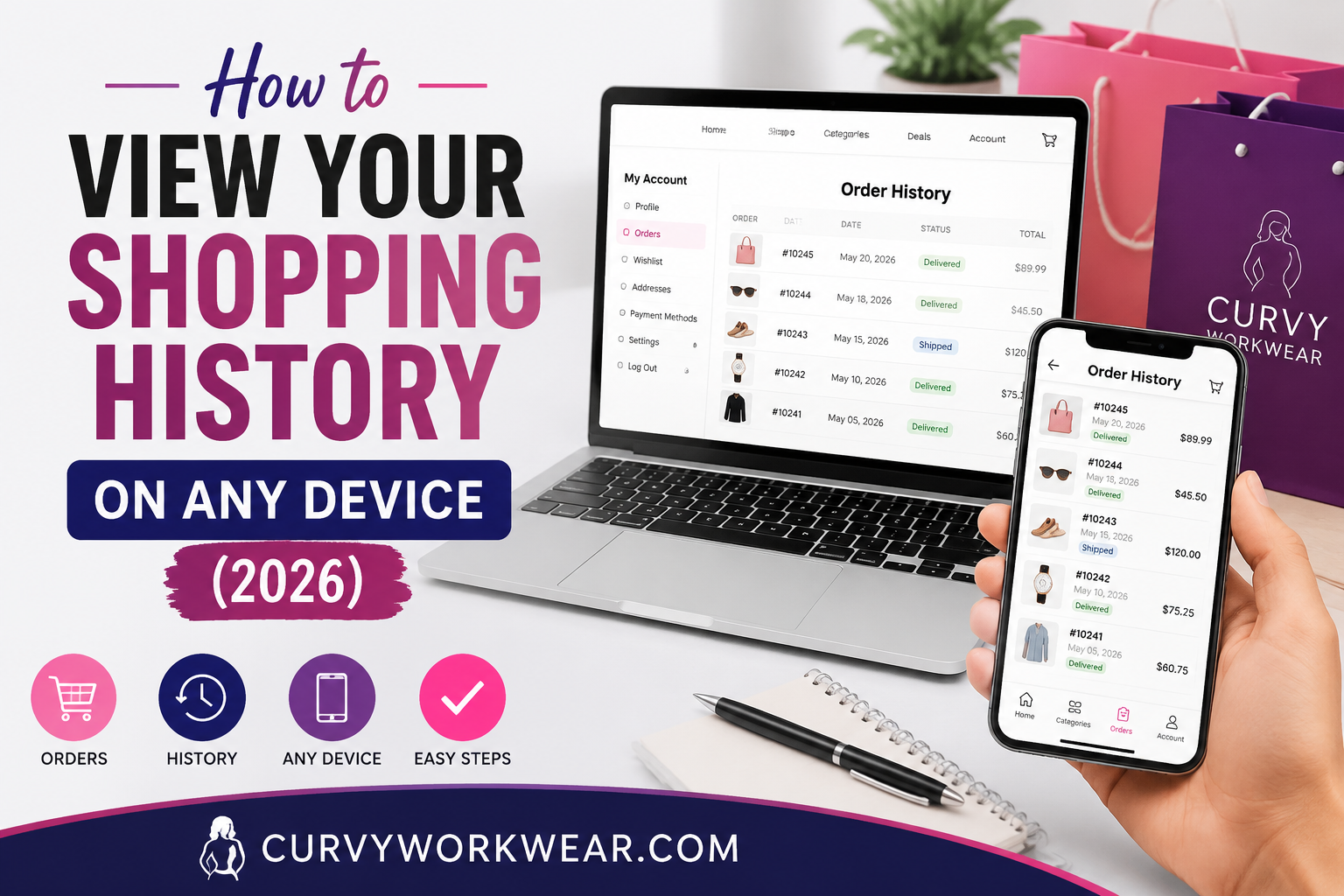
This guide will show you exactly how to check shopping history on your phone, computer, or tablet. Whether you use Amazon, Google, or your bank app, you’ll find your history shopping records in just a few taps.
By the end, you’ll know how to view purchase history across almost every device and app you own. No tech background needed.
How Checking Your Shopping History Can Help You
Life gets busy. You order things, forget about them, and move on. But sometimes you need that record back.
Common Reasons People Look Up Past Orders
Here are the most common reasons people search for their online shopping history:
- Tracking a return or refund
- Checking if you already bought something (so you don’t buy it twice)
- Reviewing monthly spending for a budget
- Finding a receipt for tax or work purposes
- Settling a dispute with your bank
It’s More Useful Than You Think
Your purchase history is basically a diary of your spending habits. For example, if you notice you spend more on takeout than groceries, that’s a signal to adjust your budget.
Many shopping apps now show yearly spending summaries too. This makes it easier to spot patterns without doing any math yourself.
How to Check Shopping History on Amazon
Amazon is the most used shopping platform, so let’s start here.
On a Desktop or Laptop
- Go to Amazon.com and sign in.
- Click the “Returns & Orders” button in the top-right corner of the page.
- You’ll see a list of everything you’ve bought, sorted by year.
You can filter by year using the dropdown menu. This is handy if you’re looking for something you bought two or three years ago.
On the Amazon Mobile App
- Open the app and tap the Account icon at the bottom of the screen
- Tap Your Orders.
- Scroll through, or use the search bar to type a product name.
The mobile app also lets you track shipments directly from this same screen. It’s often faster than checking on desktop.
How to View Purchase History on Google
Many people don’t realize Google keeps a record of purchases made through Gmail confirmations, even from other stores.
Using Google’s Purchase Tracker
- Go to myaccount.google.com.
- Look for the Payments & subscriptions section.
- Click Manage purchases.
This pulls data from order confirmation emails in your Gmail inbox. It works even if you didn’t buy the item directly through Google.
A Quick Privacy Note
Some users prefer to turn this feature off for privacy reasons. You can do this in the same Payments & subscriptions settings page under purchase tracking controls. Google’s exact menu wording may shift slightly over time as they update their interface, so look for similarly named options if things look a little different.
How to Check Shopping History on Your Phone (iPhone and Android)
Your phone stores more shopping data than you might expect, especially if you use Apple Pay or Google Pay.
iPhone Users
- Open the Wallet app.
- Tap your card.
- Scroll down to see recent transactions.
This shows purchases made using Apple Pay, both online and in physical stores.
Android Users
- Open Google Pay or Google Wallet, depending on your phone.
- Tap Activity or Transactions.
- Browse your recent purchase list.
Android phones also sync with your Google account, so this often matches what you see on the Google purchase tracker mentioned earlier.
How to Check Shopping History Across Other Popular Apps
Not everyone shops only on Amazon. Here’s how to check a few other common platforms.
eBay
Go to My eBay, then click Purchase History. It’s listed by date, similar to Amazon.
Walmart
Open the app, tap Account, then Purchase History. You can also reorder items directly from this screen.
Shein, Target, and Similar Retail Apps
Most shopping apps follow the same basic pattern. Look for an Account or Profile tab, then find Orders or Purchase History inside it.
How to Check Shopping History Through Your Bank or Card Statement
Sometimes an app doesn’t show old orders, especially if you deleted your account or the company shut down.
Checking Your Bank App
- Open your banking app.
- Go to Transactions.
- Search by the store name or amount.
This method works even if the shopping app itself lost your data. Your bank keeps records for several years, though the exact retention period depends on your bank and country.
Why This Method Is a Good Backup
Apps get deleted. Accounts get closed. However, your bank statement is a reliable backup that rarely disappears. This is especially useful during tax season or refund disputes.
Tips to Keep Better Track of Your Shopping History Going Forward
A little organization now saves a lot of stress later.
Turn On Email Receipts
Most stores offer email receipts if you opt in. This creates a simple backup outside the app itself.
Use One Main Payment Method
If you use the same card or app for most purchases, it becomes much easier to check shopping history in one place instead of five different apps.
Review Your Spending Monthly
Set a reminder to scan your history once a month. This helps you catch billing mistakes early and stay on top of your budget.
Frequently Asked Questions
How do I check my online shopping history if I forgot which app I used?
Check your email inbox first. Search for words like “order confirmation” or “receipt,” since most stores send a copy there automatically.
Can I view purchase history from a store I no longer have an account with?
Yes, in most cases. Your bank or card statement will still show the charge, even if the store account itself is gone.
Does clearing my browser history delete my shopping history too?
No. Clearing your browser history only removes your browsing activity, not your actual order records stored on the store’s server.
How far back can I check shopping history on Amazon?
Amazon typically lets you view your history shopping records going back several years using the year filter. Very old accounts may have some limits, so check the dropdown menu to see what’s available to you.
Is it safe to link my Gmail to track purchase history automatically?
Yes, it’s generally safe since Google only reads order confirmation emails for this feature. However, you can turn it off anytime in your privacy settings if you prefer not to use it.
Conclusion
Checking your shopping history doesn’t have to be confusing. Whether it’s Amazon, Google, your phone wallet, or your bank app, the steps are usually just a few taps away.
In short, knowing how to check shopping history helps you track spending, solve billing issues, and stay organized. Bookmark this guide so you can quickly view purchase history whenever you need it, on any device you own.
Take a few minutes today to check your own accounts. You might be surprised what you find.